Create a Productive Home Office: Ergonomic Chairs, Desks & Setup Tips
If your workday ends with neck pain, sore shoulders, or low energy, your home office setup could be the reason. Many workspaces aren’t designed with ergonomics in mind—but the good news is, it doesn’t take a full overhaul to fix it. The right chair, proper desk height, and a few strategic adjustments can transform how you feel and perform throughout the day. Here’s how to create a home office that works as hard as you do.
Why Ergonomics Matter
If you’re spending hours at your desk each day, your setup isn’t just about aesthetics—it impacts your comfort, focus, and long-term health. Research consistently shows that poor posture at work can lead to back pain, neck strain, fatigue, and even reduced productivity.
The good news? A few intentional adjustments—starting with your office chair, desk height, and overall setup—can make a huge difference.
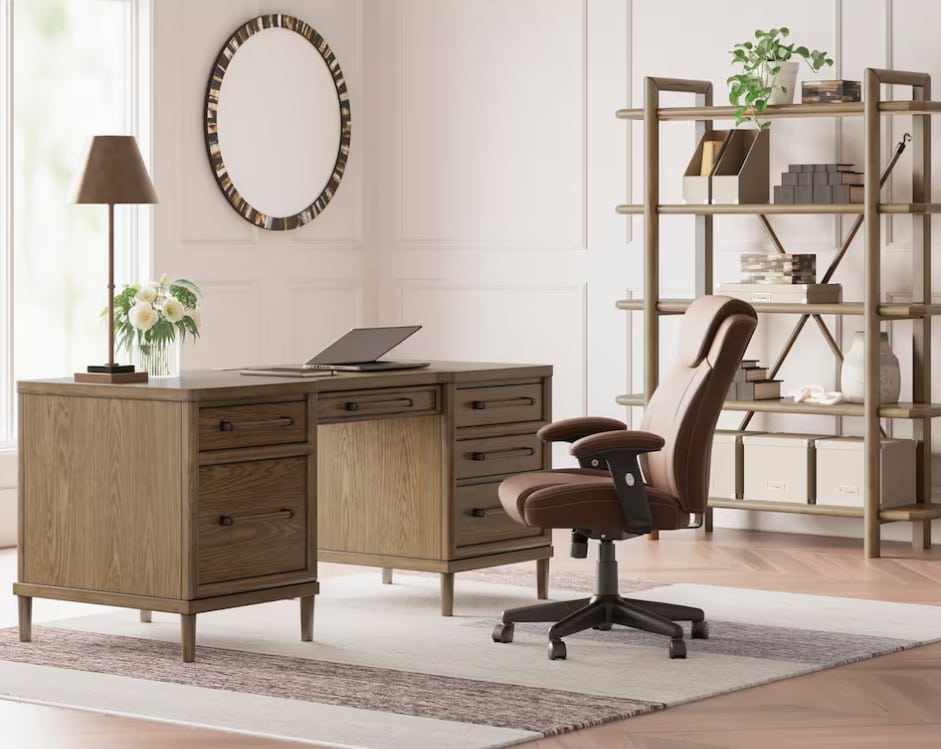
Step One: Choosing The Right Chair
An ergonomic office chair is the foundation of a healthy workspace. It should support your body’s natural alignment and adapt to your movements throughout the day.
What to Look For:
- Lumbar support: Maintains the natural curve of your lower back
- Adjustable seat height: Feet should rest flat on the floor
- Seat depth: Leave 2–3 inches between the seat edge and your knees
- Armrests: Keep shoulders relaxed, not lifted
- Recline function: Encourages movement and reduces pressure on the spine
Pro Tip:
Your hips should sit slightly higher than your knees to promote proper posture and reduce strain.
Step Two: Finding The Ideal Desk Height
Your desk height plays a critical role in preventing wrist, shoulder, and neck discomfort—but it also directly impacts your posture, circulation, and overall energy throughout the day. When your desk is too high or too low, your body is forced to compensate, often leading to tension in the shoulders, strain in the wrists, and fatigue that builds over time.
General Guidelines:
- Elbows should be at a 90-degree angle when typing
- Wrists should remain neutral (not bent up or down)
- Monitor should sit at eye level to avoid neck strain
Features That Make Your Setup Better:
- Adjustable desks for sit-to-stand flexibility
- Keyboard trays to fine-tune arm positioning
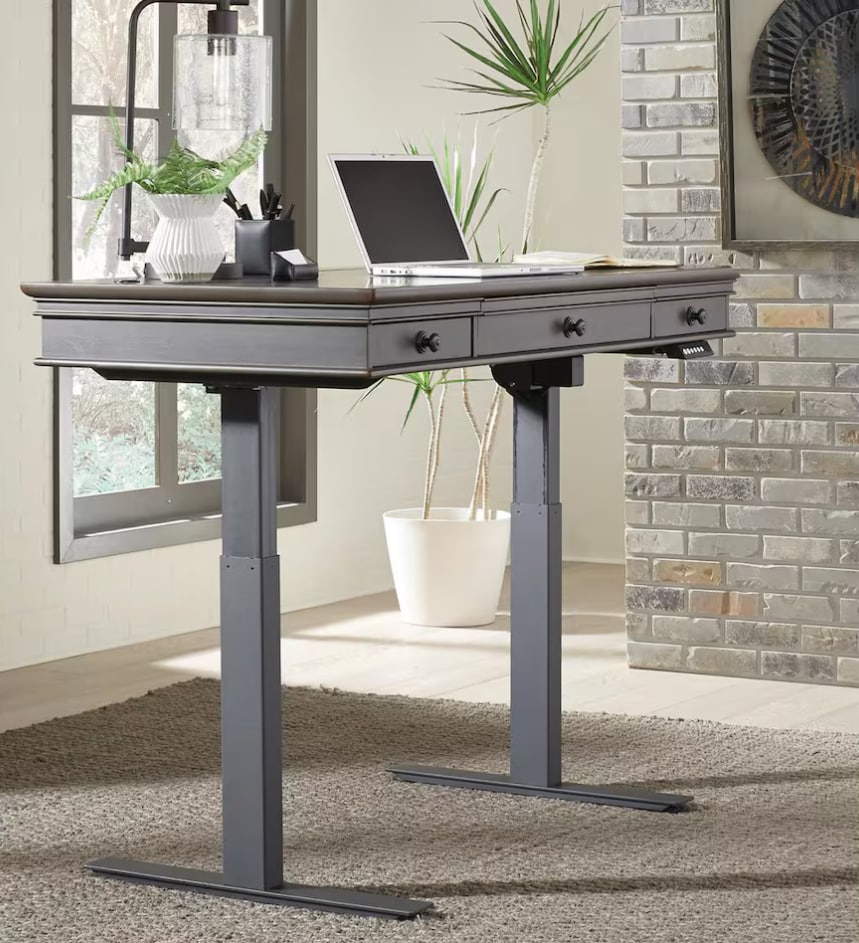
Extra Tips That Make A Difference In Your Home Office Setup
Quick Upgrades:
- Monitor riser to bring your screen to eye level
- Footrest for better lower-body alignment
- Anti-fatigue mat for standing desks
- Proper lighting to reduce eye strain
Create A Comfortable, Productive Work Environment At Home
Ergonomics isn’t just physical—it’s environmental too. Consider these:
- Lighting: Natural light reduces eye fatigue and boosts mood
- Materials: Soft textures (like upholstered chairs or rugs) can create a more inviting space
- Layout: Keep frequently used items within arm’s reach
- Environment: What you see directly impacts how you focus & how you feel. Declutter your desk, use hidden storage when possible, and stick to a calming color palette.
A thoughtfully designed workspace encourages both comfort and consistency.
Frequently Asked Questions
What is the best ergonomic office chair for long hours?
Look for a chair with adjustable lumbar support, seat height, and armrests. The more customizable, the better it will fit your body.
What is the correct desk height for typing?
Your desk should allow your elbows to rest at a 90-degree angle with wrists in a neutral position.
How can I improve my posture at work?
Focus on keeping your back supported, feet flat, and screen at eye level. Regular movement is equally important.
Are standing desks better than sitting desks?
Neither is inherently better—alternating between sitting and standing is ideal for reducing strain and improving circulation.
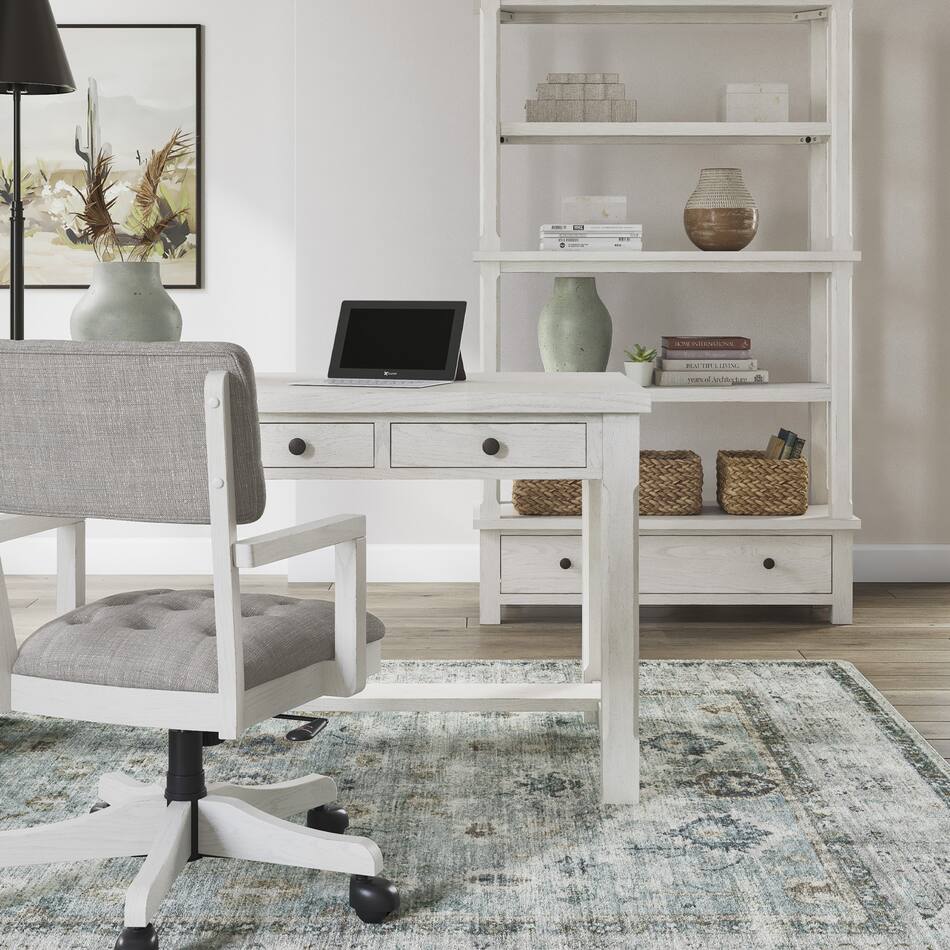
Build a Workspace That Works for You
Creating an ergonomic home office doesn’t require a complete overhaul—just thoughtful choices that support how your body naturally moves and rests.
Whether you’re upgrading your ergonomic office chair, adjusting your desk height, or refining your posture at work, each step moves you toward a more comfortable, productive day.